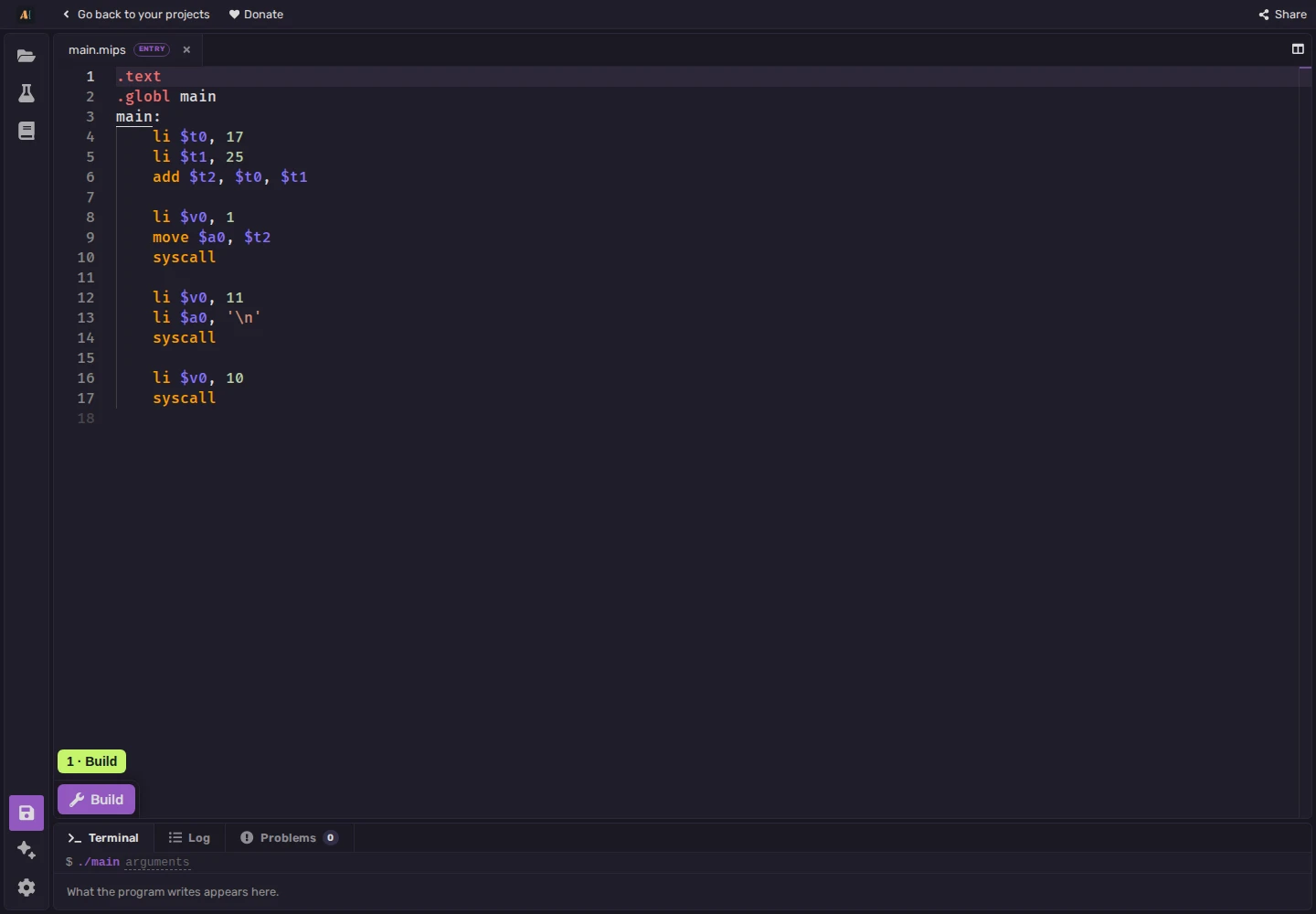
Getting started with ASM Editor
Explore ASM Editor's browser workspace: create a project, build and run programs, use the debugger, and test and share your work.
Guides to running and debugging assembly, compiling C/C++, teaching, and reverse engineering.
Explore ASM Editor's browser workspace: create a project, build and run programs, use the debugger, and test and share your work.
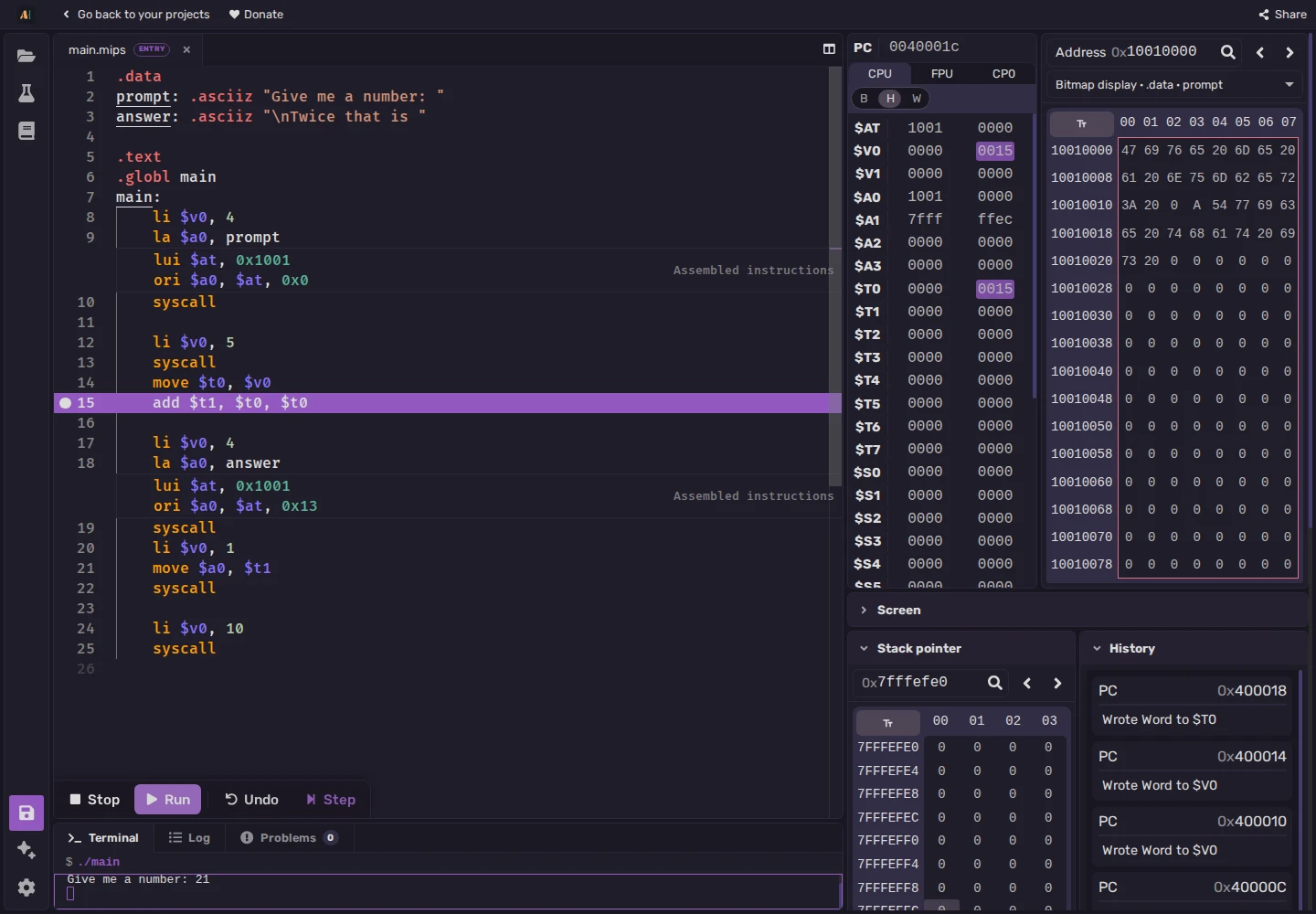
Explore ASM Editor's browser workspace, MARS-based MIPS simulator, debugger, simulated peripherals, project sharing, and C/C++ support.
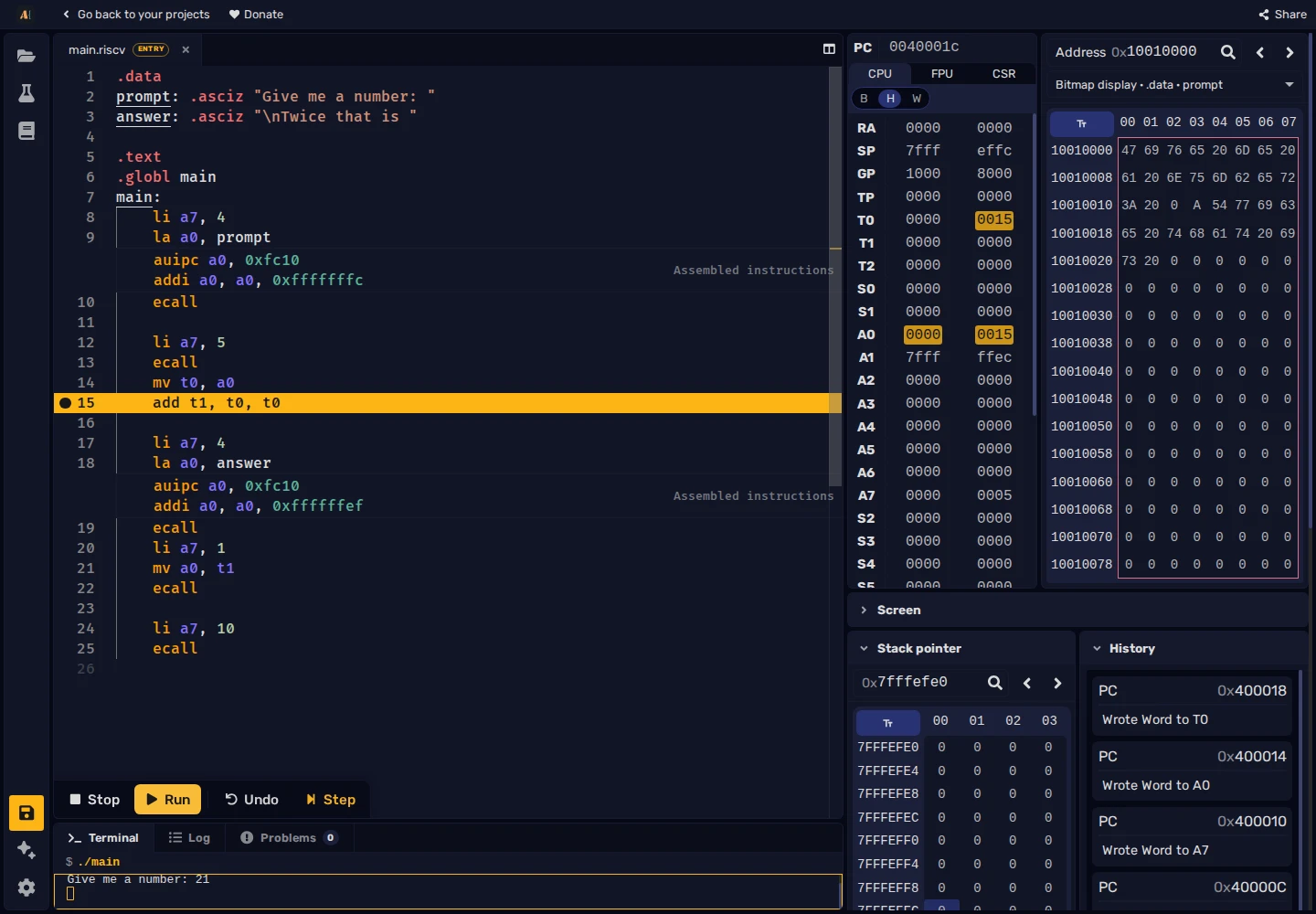
Explore ASM Editor's browser workspace, RARS-based RISC-V simulator, debugger, simulated peripherals, project sharing, and C/C++ support.
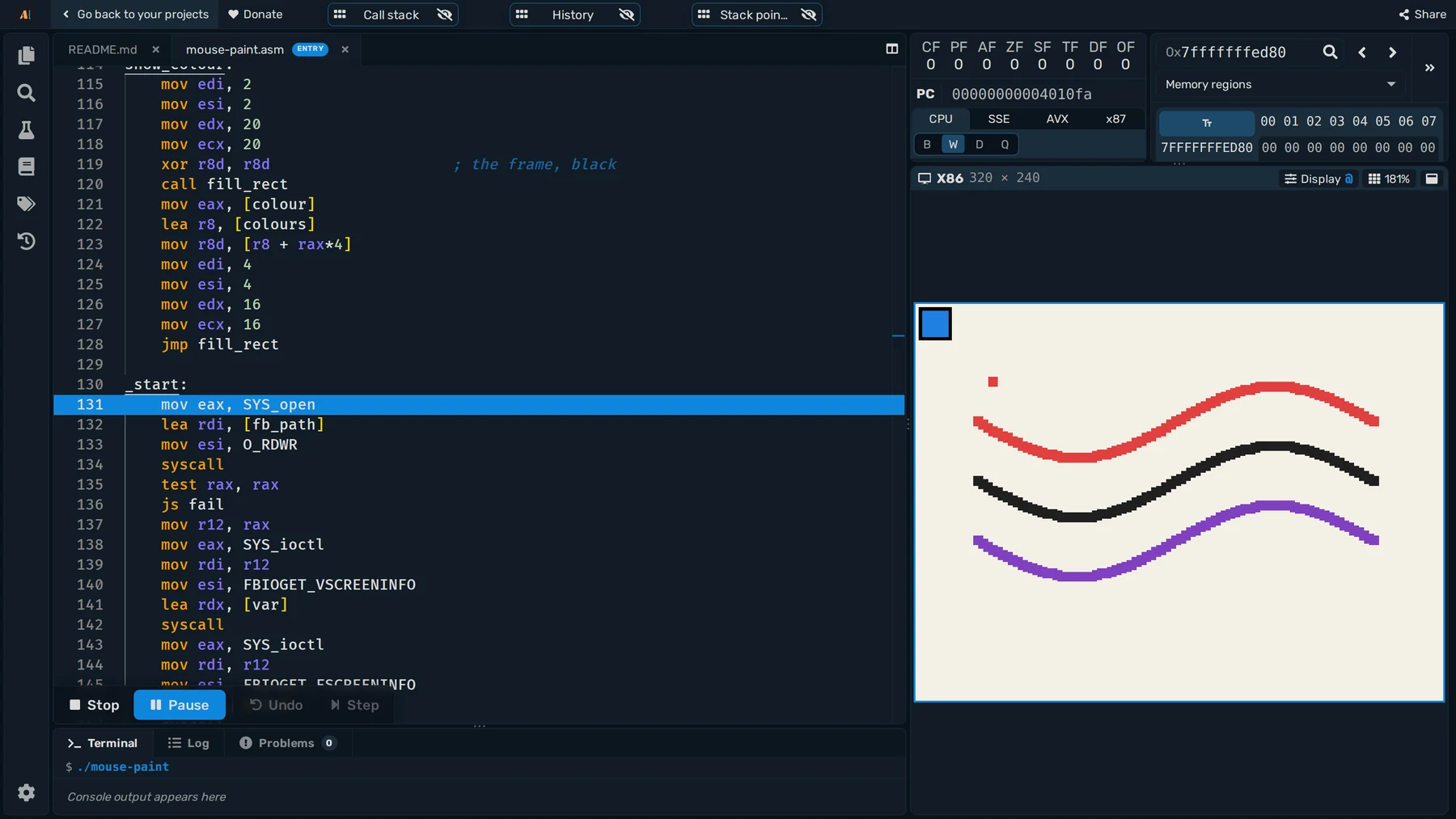
Use Linux graphics, input and sound on x86-64, explore 68000 exceptions and interrupts, draw sprites, and start from ready-made examples.
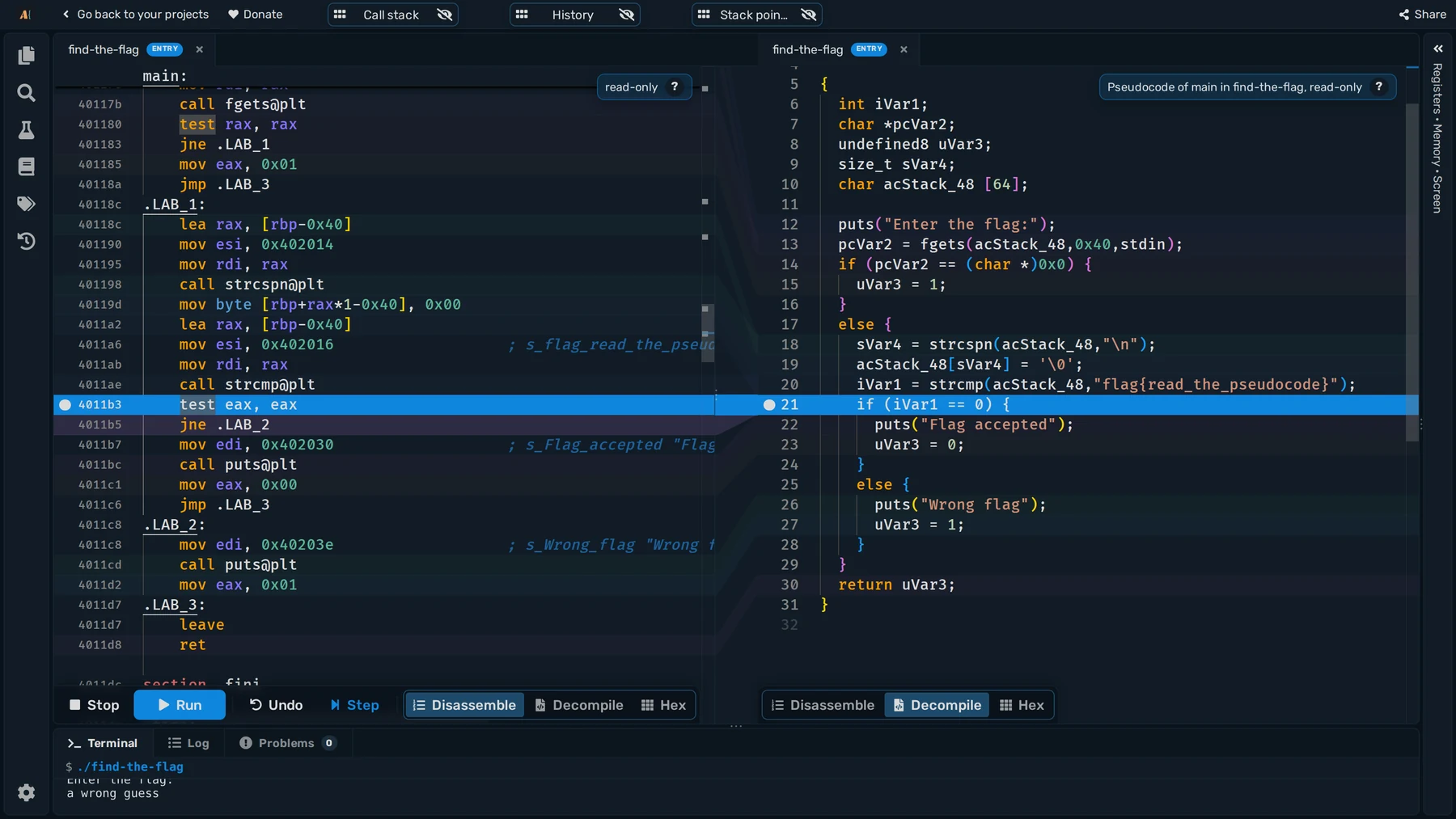
Import, decompile and debug x86-64 executables, keep several programs in one project, and play MIDI notes, sound files and waveform audio.
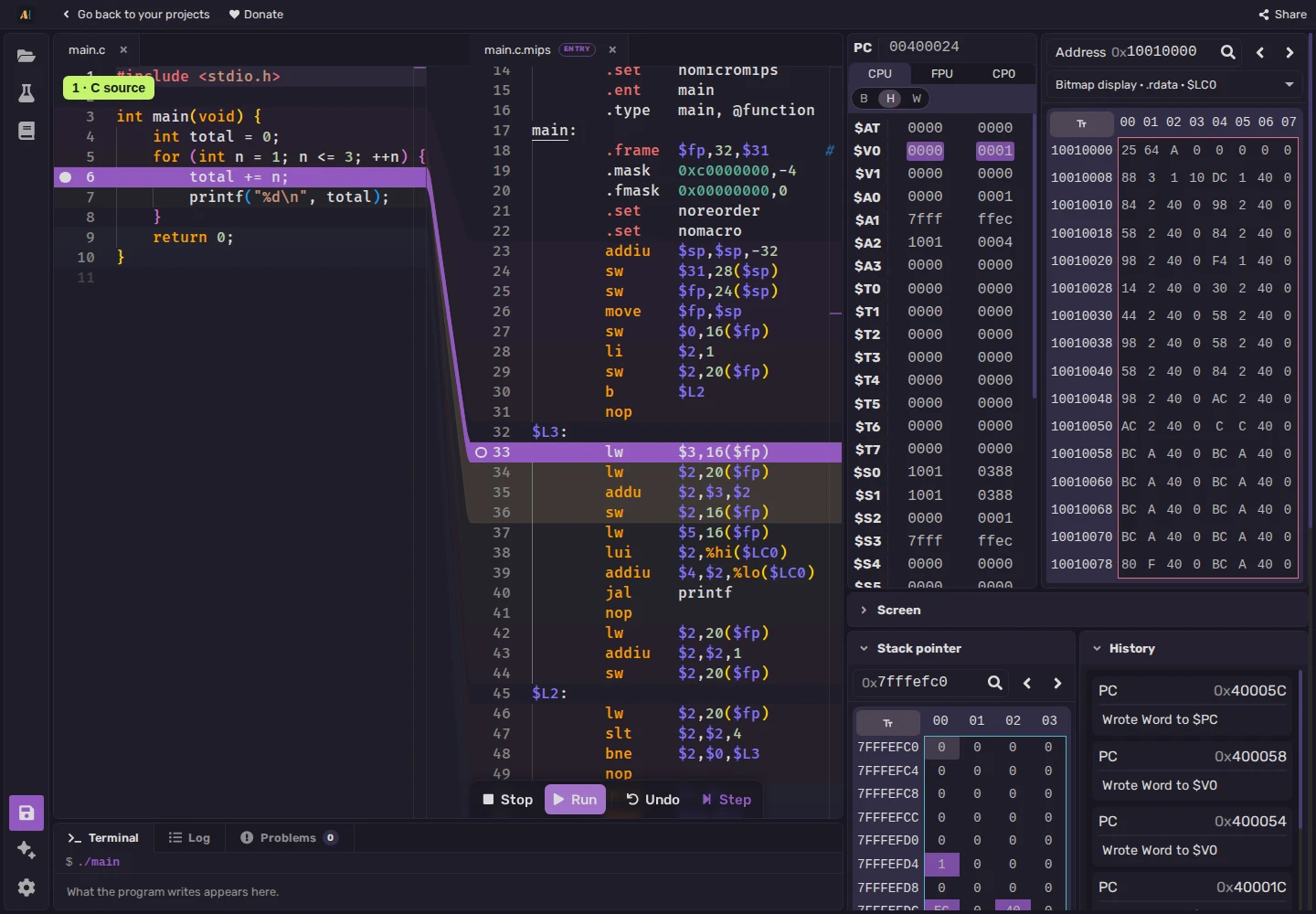
Write C/C++, view generated assembly, compare compiler settings, and debug source and instructions together in ASM Editor.
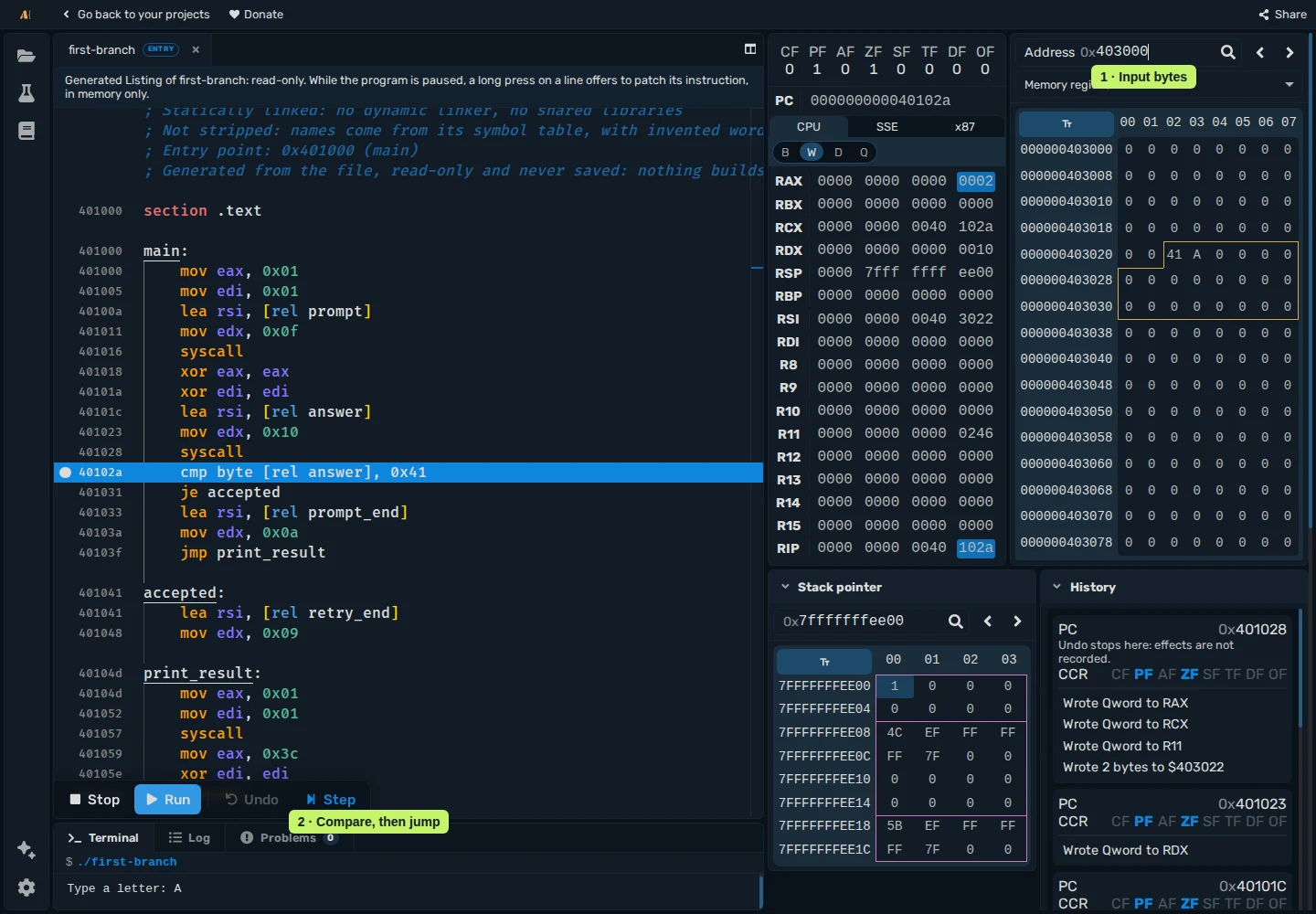
Inspect executable instructions, bytes, registers, and memory in ASM Editor's browser debugger, with an example project to try.
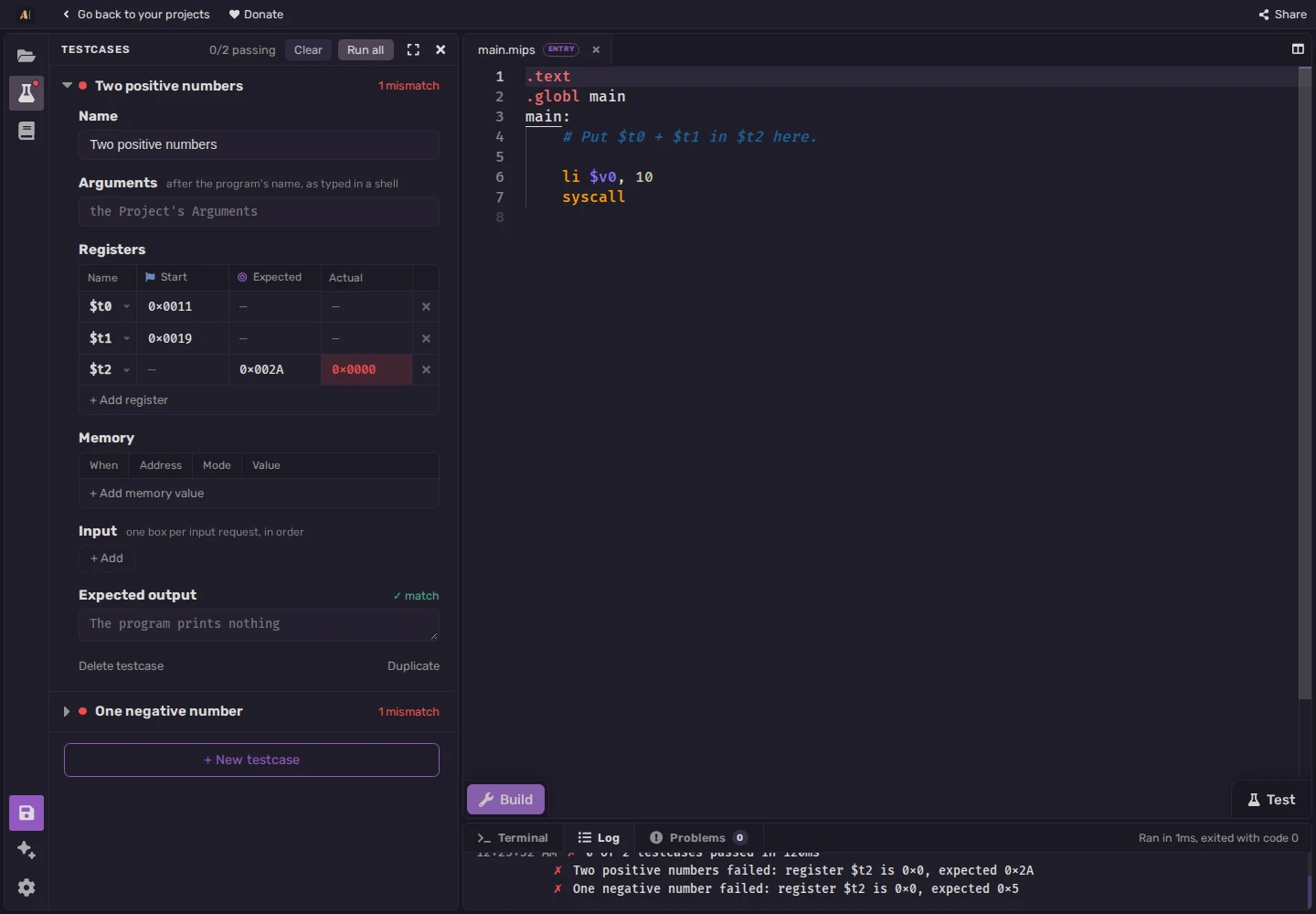
Prepare shareable projects, check programs with testcases, embed runnable examples, and use ASM Editor's classroom and assessment tools.
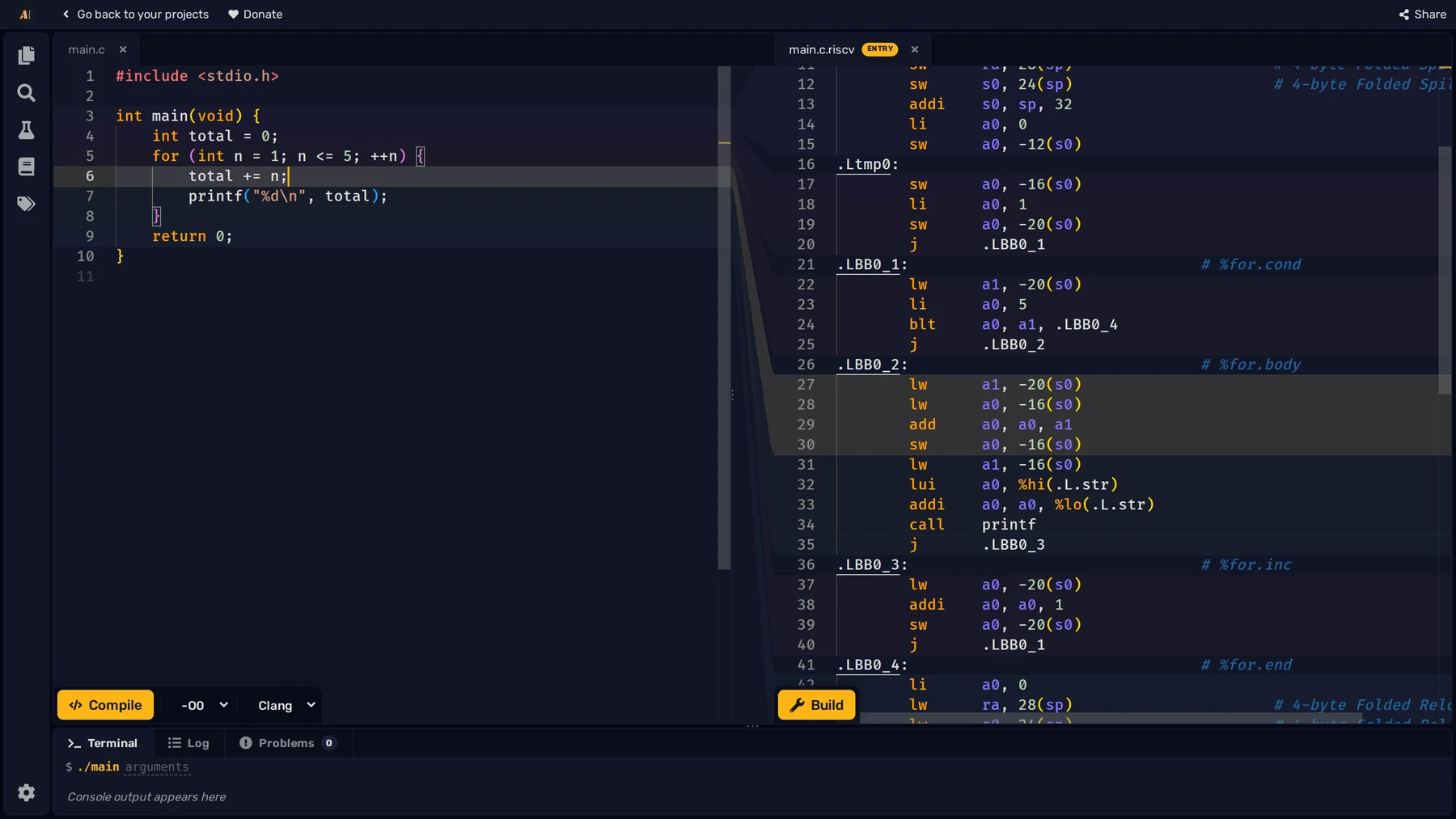
Version 12.0.0 adds C/C++ compilation, source-to-assembly highlighting, source breakpoints, and libraries for compiled programs.
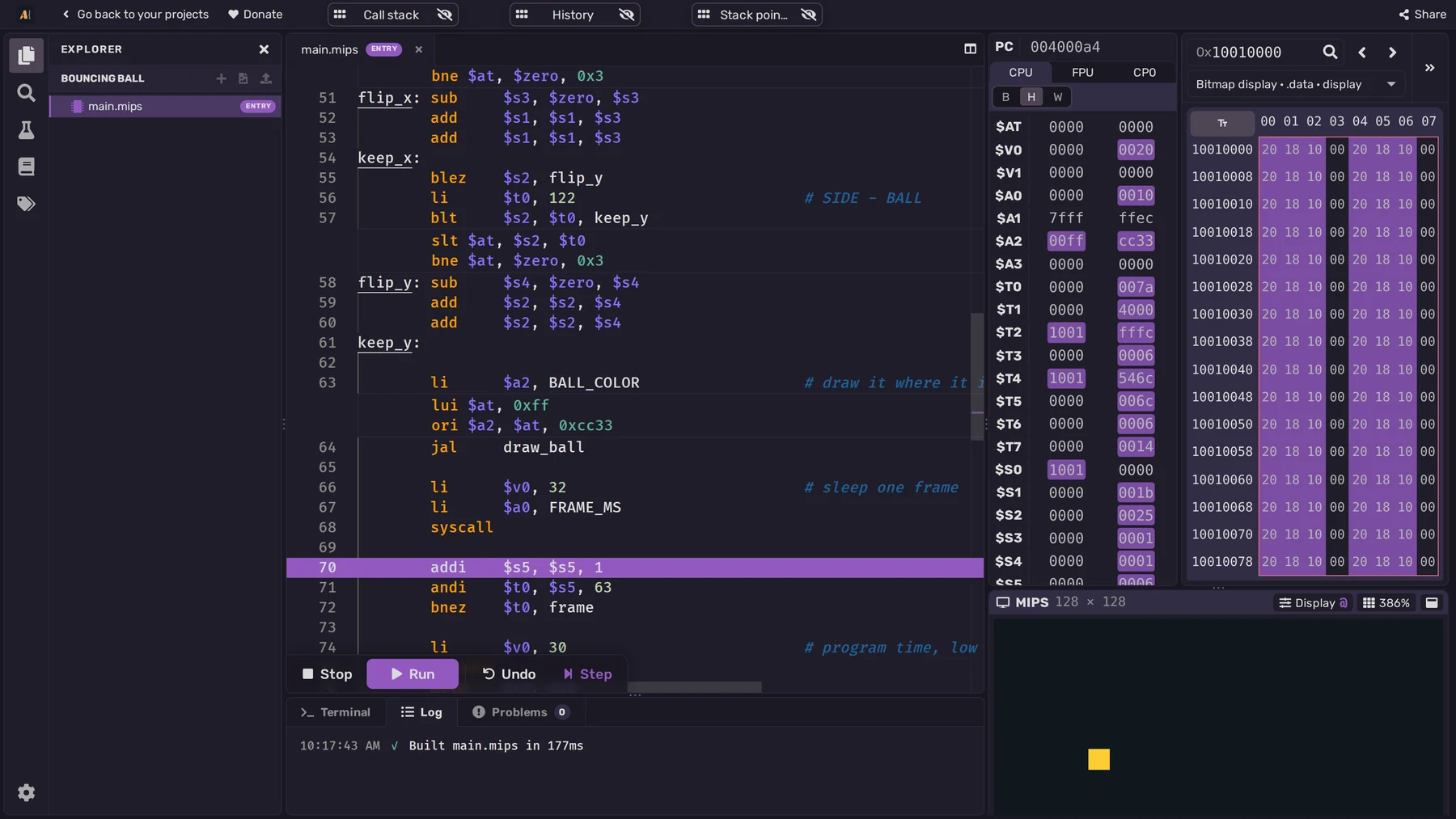
Version 11 adds the Workbench layout, Testcases you can edit in place, and Documentation search that understands questions.